Link Connected Charms
Tap it with a phone and it opens your link. Nothing to download for whoever taps.
Works with any link Friends don't need an app Rewrite it anytime
Write your link once and every tap opens it. Takes about two minutes.
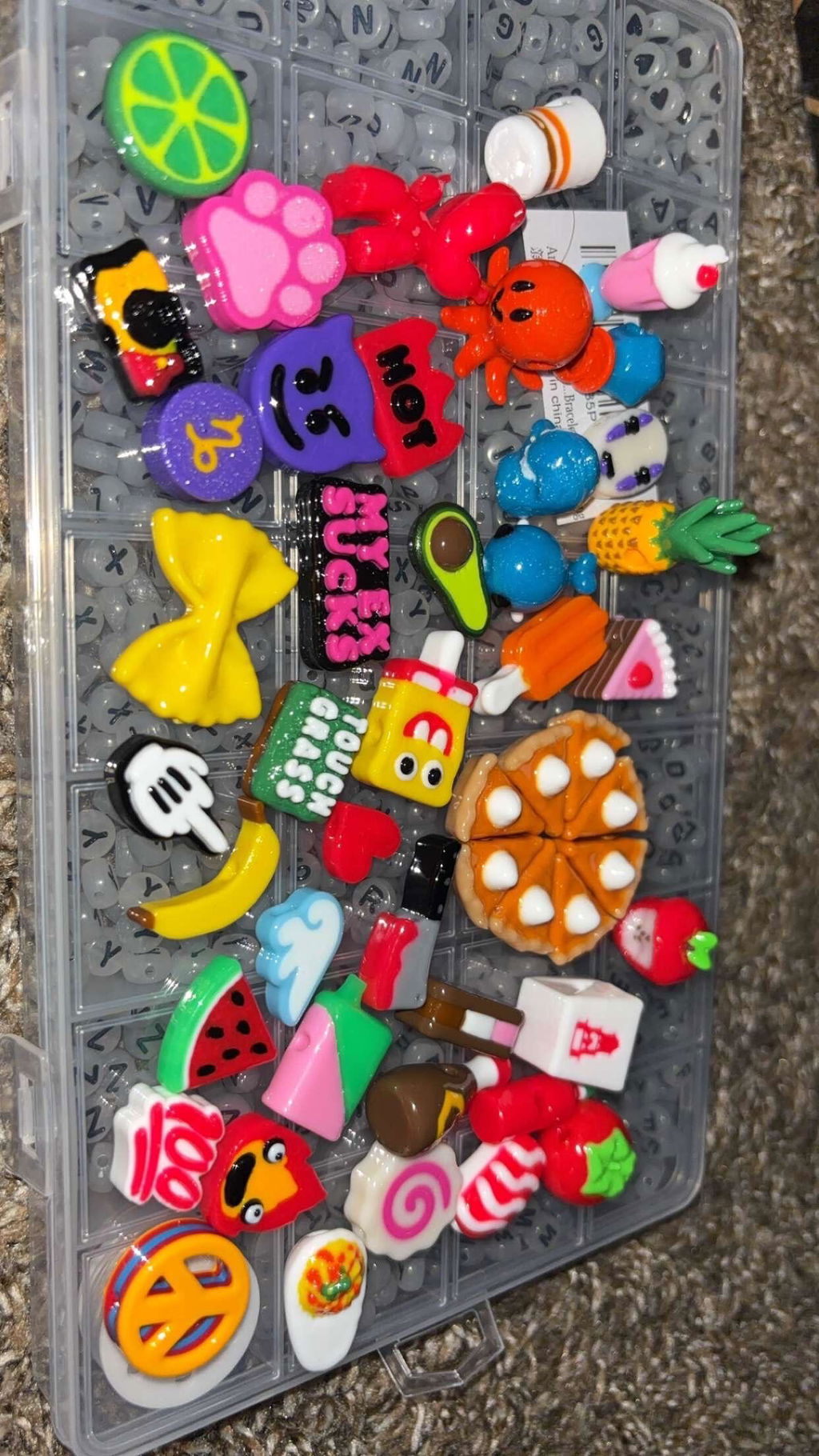
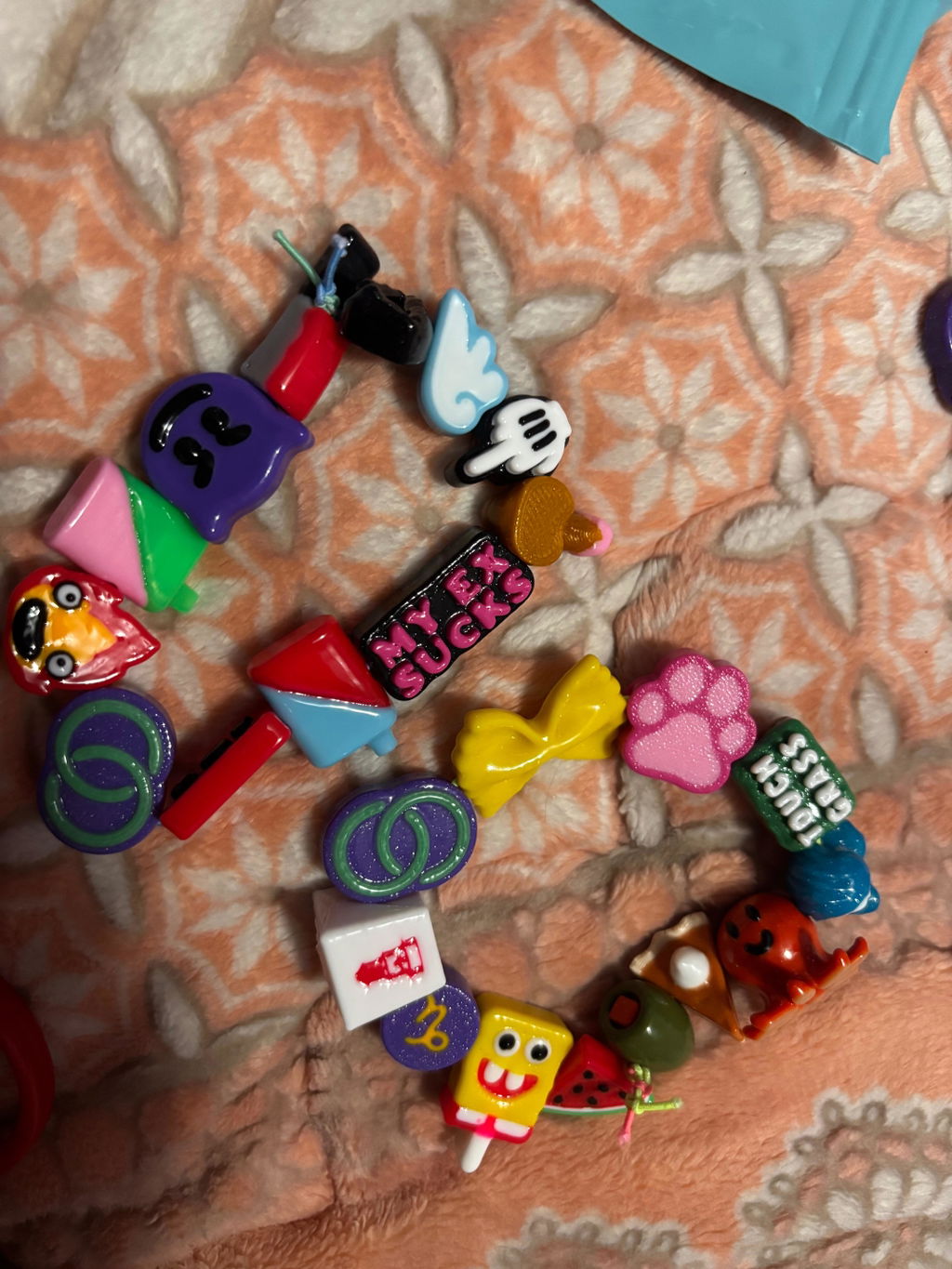
Five colorways, or the Variety Starter Pack. Every charm works with any link.
Get the free NFC Tools app, paste your link and hold the charm to your phone. Steps below.
Friends tap your charm and go straight to your link. Nothing to download on their end.

No. Their phone opens your link straight away.
With the free NFC Tools app on iPhone or Android: paste your link, tap Write and hold the charm to your phone. The steps are on this page.
iPhones from the XS/XR onward and most Android phones with NFC turned on. Hold the top of the phone (iPhone) or the middle of the back (Android) to the charm.
Anytime. Write a new link over the old one with the same app.
Any URL: Instagram, TikTok, Linktree, a shop, a playlist, Venmo, a Google Drive folder and more.
Orders ship from Jelli Bead and follow the same shipping and return policies as the rest of the store.
Write your link with the free NFC Tools app. Change it anytime by writing a new one.

We recommend the free NFC Tools app from your app store.

Copy the URL you want on your Link Charm, open the app and tap Write.

A record is whatever you save to the charm, like a URL or a contact card.

You can save other things, but URL/URI is the one to pick.

Paste the full link you copied, then tap OK.

Hold the charm to the top centre of your phone (iPhone; other phones may vary).

You're done. Tap your little heart out.
Bundle & save on 5-packs
Tap a bead to add a 5-pack
No beads found. Try another word.